
Transform Your Images with AI Magic
Edit, remix, and reimagine your photos using advanced AI models. From background removal to complex object replacement, just describe what you want.
Everything You Need
Powerful AI features to give you complete control over your images.
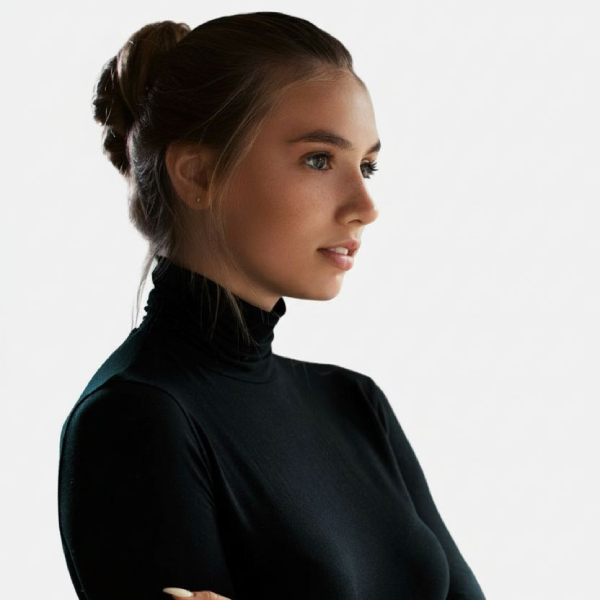
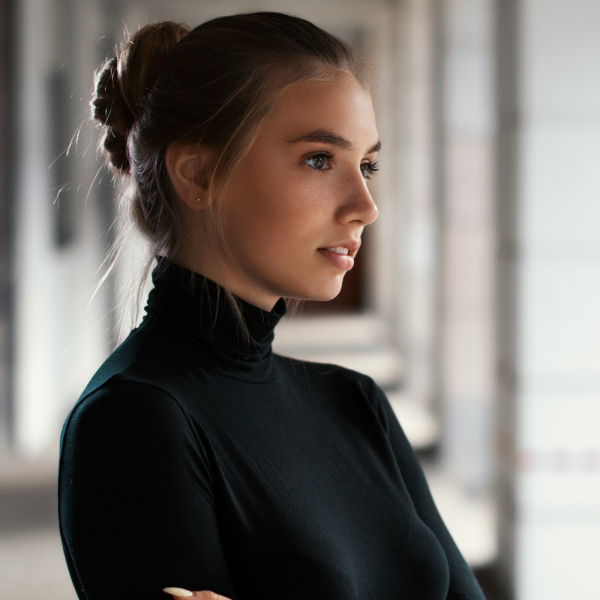
Remove Backgrounds
Instantly remove backgrounds from any image with high precision. Perfect for product photos and portraits.
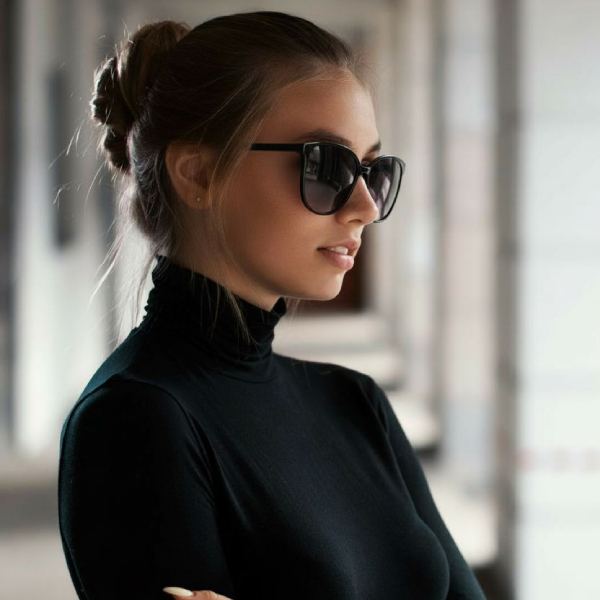
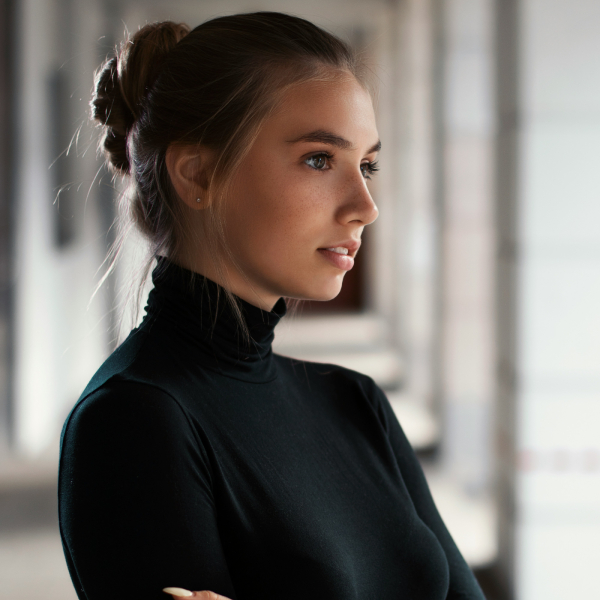
Object Editing
Change or remove objects in your photos with simple text prompts. Swap, modify, or delete elements seamlessly.
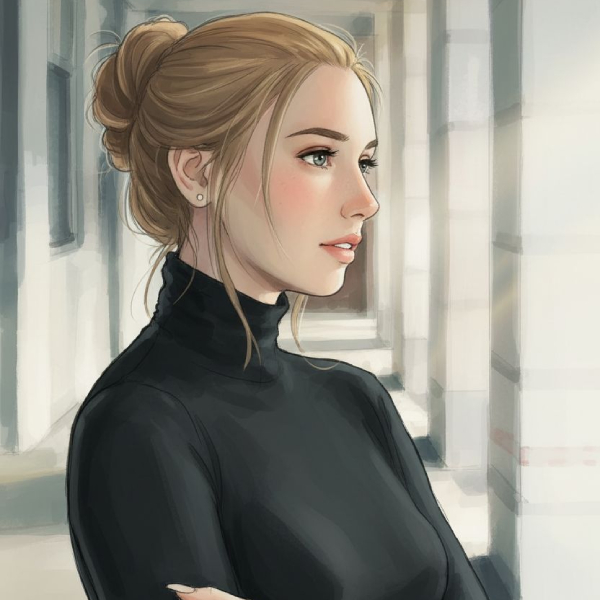
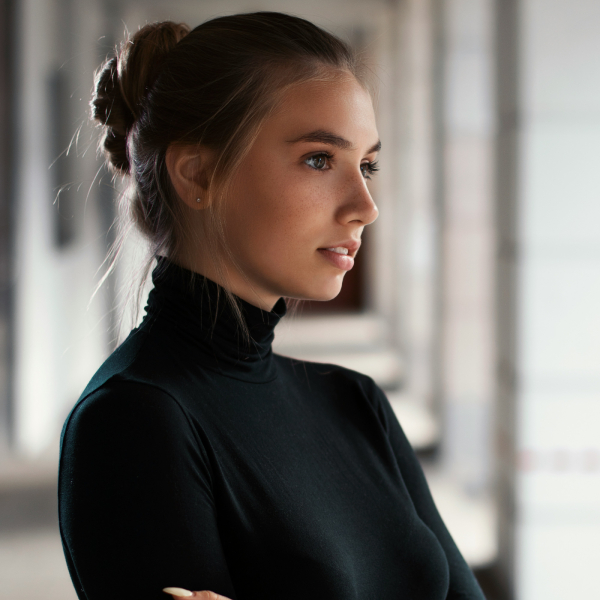
Style Transfer
Transform your images into different artistic styles or change the mood and setting of your photos.
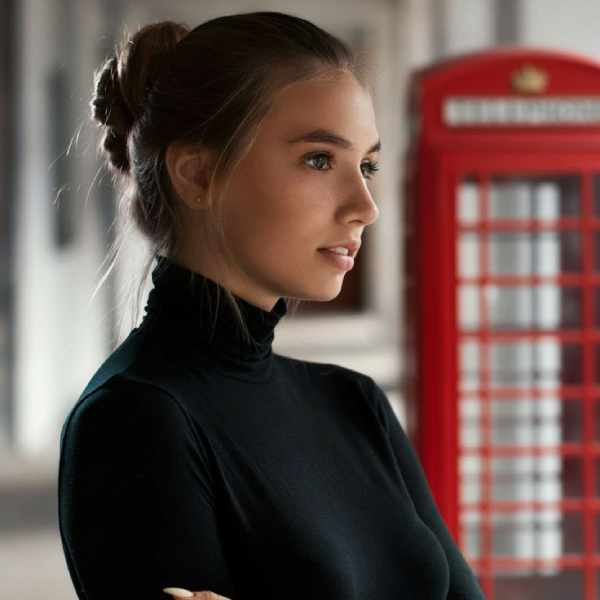
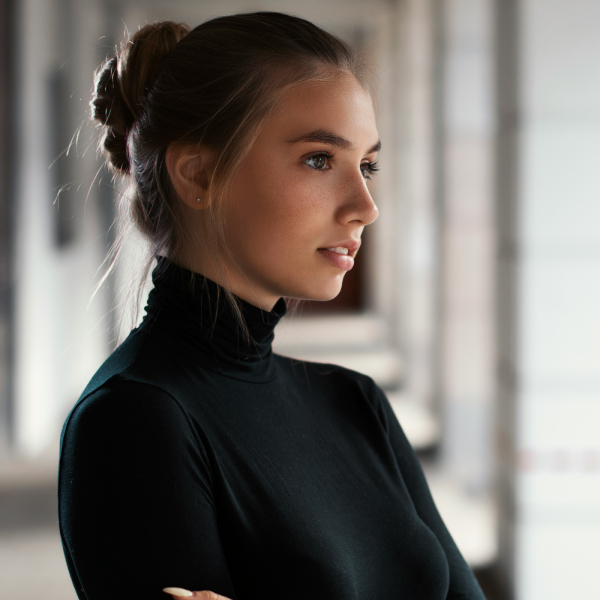
Smart Inpainting
Change specific parts of an image using simple text prompts. Modify elements while keeping the rest intact.
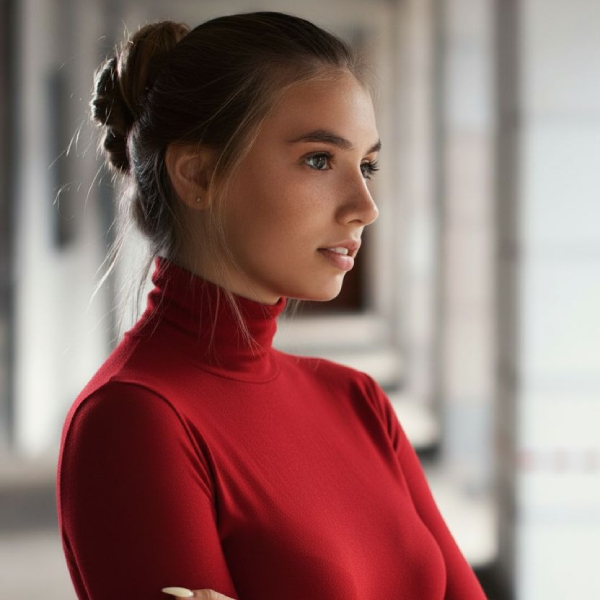
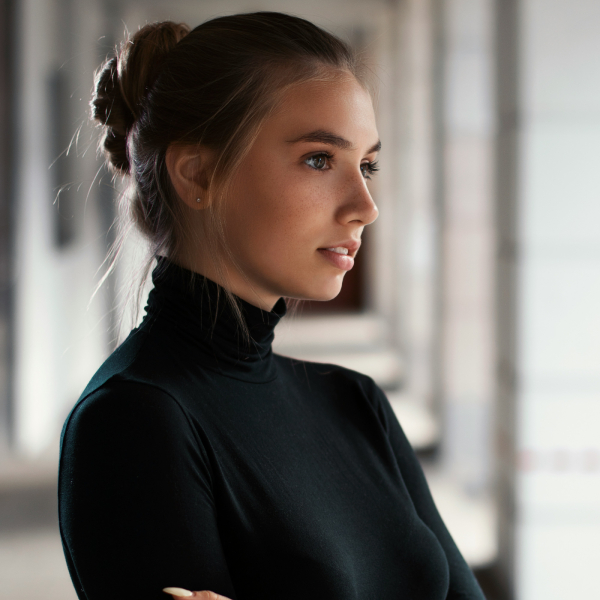
Color Adjustments
Change colors and atmospheres with natural prompts like "make her shirt red" or "add golden hour lighting".
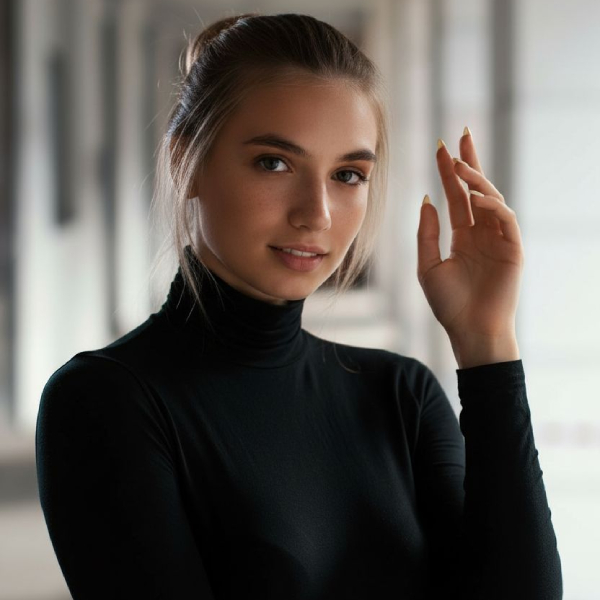
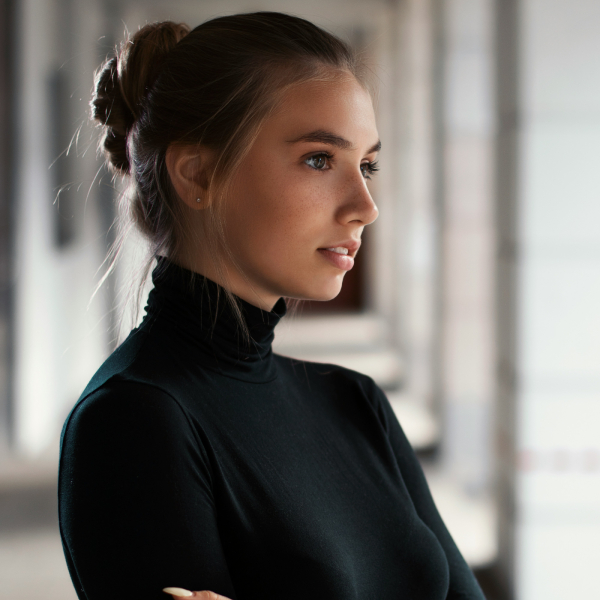
Change Posture, Position & Angle
Completely change the posture, position and angle of the subject in the image.
How It Works
Get professional results in just four simple steps.
Upload Your Image
Start by uploading any image you want to edit.
Describe Your Edit
Tell the AI what you want to change using natural language prompts.
Select AI Model
Choose between the latest AI models: Nano Banana, Nano Banana Pro or FLUX.1 Kontext Pro.
Review & Iterate
View your result and make adjustments. History tracking lets you revert anytime.
Perfect For Any Use Case
From e-commerce to social media, our AI image editor adapts to your needs.
E-commerce Photography
Remove backgrounds, adjust lighting, and make products look perfect for online stores.
"Remove background and add soft shadows"
Real Estate
Enhance property photos, remove unwanted objects, improve lighting and atmosphere.
"Remove clutter and make it bright and airy"
Social Media Content
Create eye-catching images, change backgrounds, add creative elements to stand out.
"Add sunset lighting and remove people in background"
Portrait Enhancement
Remove blemishes, adjust backgrounds, change clothing colors, and improve overall quality.
"Blur background and improve lighting on face"
Marketing Materials
Create variations, test different backgrounds, adjust colors to match brand guidelines.
"Change background to match brand colors"
Photo Restoration
Remove scratches, fix damaged areas, colorize old photos, and restore memories.
"Remove scratches and restore damaged areas"
Never Lose Your Progress
Advanced session management and history tracking keep your work safe.
Complete History
Every edit is saved automatically. Revert to any previous version with a single click. Compare different iterations and choose the best result.
- Undo any edit instantly
- View all previous versions
- Compare before and after
Session Management
Work on multiple projects simultaneously. Your sessions are saved automatically, so you can pick up exactly where you left off.
- Multiple active sessions
- Auto-save progress
- Resume from any device
Choose Your AI Model
Select the perfect AI model for your specific editing needs. Choose based on quality, speed, and budget.
Google Nano Banana
Latest image editing model from Google. Decent quality, fast. Great for editing photos and images.
- Fast processing
- High quality
- Great for editing photos and images
- Quick iterations
- Multi-image support
Google Nano Banana Pro
Premium version of Nano Banana with high resolution output. Higher quality results for professional work.
- Bleeding edge technology
- High resolution output
- Superior image quality
- Professional-grade results
- Multi-image support
FLUX.1 Kontext Pro
High-fidelity image editing model from Black Forest Labs. Great quality for editing photos and images.
- High detail retention
- Complex instruction following
- Photorealistic results
- Context understanding
- Character consistency
Not sure which model to choose? Try them and see the difference
Ready to Transform Your Images?
Join thousands of creators, marketers, and businesses using Motionize to create stunning images with AI.