
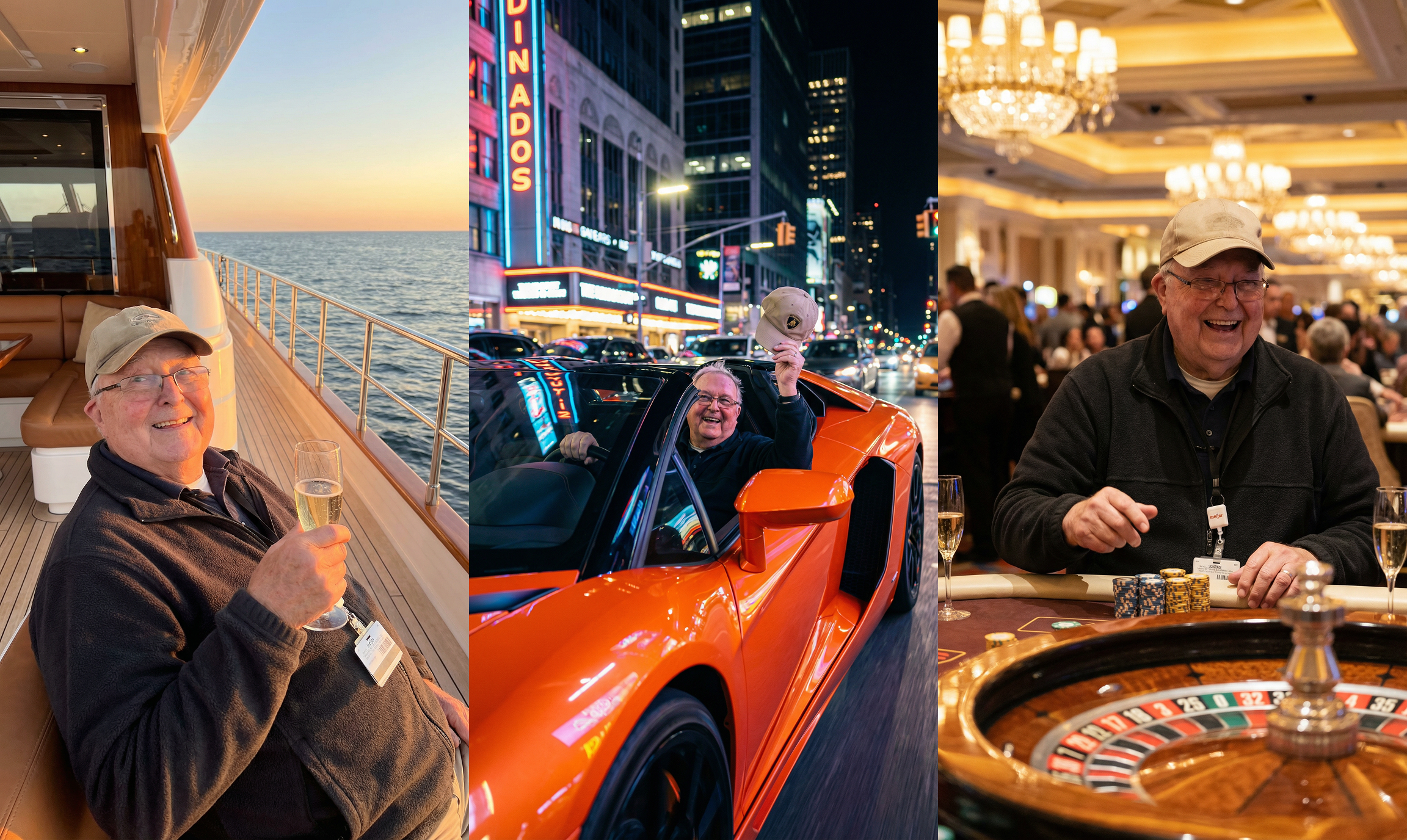
Here's how we made the viral video of Ed Bambas, the 88-year-old grocery store worker who got donated over $1.5m, living his best life. We wanted to move beyond the emotional checkout counter footage and actually visualize the retirement he deserves before he even clocked out for the last time.
Using Motionize.ai, we turned a single low-res screenshot into a cinematic montage of his future. Here is the 4-step breakdown.
Step 1: The Source Material
Everything began with the original viral clip from Sam Weidenhofer. We didn't need raw footage; we just needed Ed's likeness. We paused the TikTok video right where Ed offers that genuine, heartwarming smile and took a simple screenshot. This single static frame was the seed for the entire project.
Step 2: Cleaning the Canvas
A raw screenshot is messy. It’s cluttered with UI elements the "For You" buttons, the caption overlay, and the creator’s handle. We uploaded the image to the free Motionize image editor and asked to remove all text, leaving us with a clean, high-fidelity portrait.
Step 3: Building the "Best Life" Scenes
Using the image editor, we transported Ed out of the grocery store aisle.
We generated three distinct environments.
Prompt for him sitting in the Lamborghini:
"He is driving a bright luxury Lamborghini through a vibrant city at night with the roof open, neon lights reflecting off the car, wind blowing, he is wearing the same clothes as now, he is holding his cap, smiling with pure joy and freedom, skyscrapers and traffic lights glowing around him, cinematic night atmosphere, motion blur on the background, ultra-realistic, 4K photo, shallow depth of field, dramatic lighting, joyful “living my best life” energy"
The AI adjusted the lighting on Ed's face to match each new environment perfectly.
Step 4: Animating the Dream
To make it emotional, it had to move. We imported our three new composite photos into the Text-to-Video engine. We used prompts like "He is speeding off. He is smiling. The camera rotates left and is stationary."
The AI hallucinated natural head movements and expressions, turning our static edits into living, breathing video clips. We stitched these together to show Ed finally enjoying the freedom the world gifted him.