
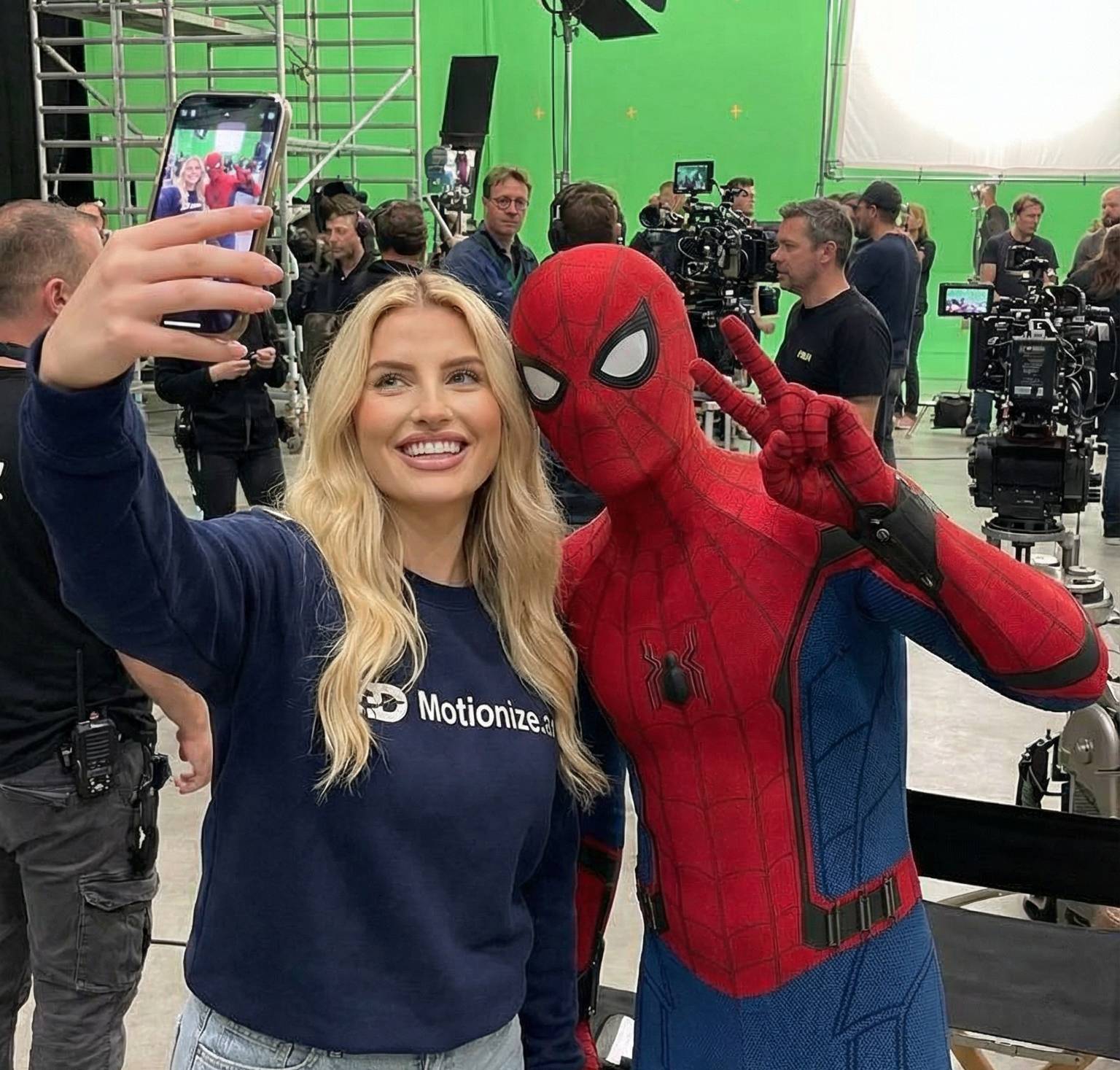
Prompt + How To: Create a Behind-the-Movie-Scenes Selfie Video (With AI)
Ever seen those behind-the-scenes clips where an actor casually films themselves on set?
Lights in the background, crew walking around, cameras rolling, it feels real, unpolished, and authentic.
With AI, you can recreate that exact vibe without a movie set, crew, or camera.
In this guide, you’ll learn how to create a behind-the-movie-scenes selfie video using AI — step by step.
Step 1: Generate the Behind-the-Scenes Selfie Image
Start by opening Motionize.ai’s Image Editor.
Your goal is to create a selfie-style image that looks like it was filmed during a movie shoot. The image should feel slightly messy and realistic, not posed or polished.
What to Include in Your Prompt
Make sure your prompt includes:
- A image of a person
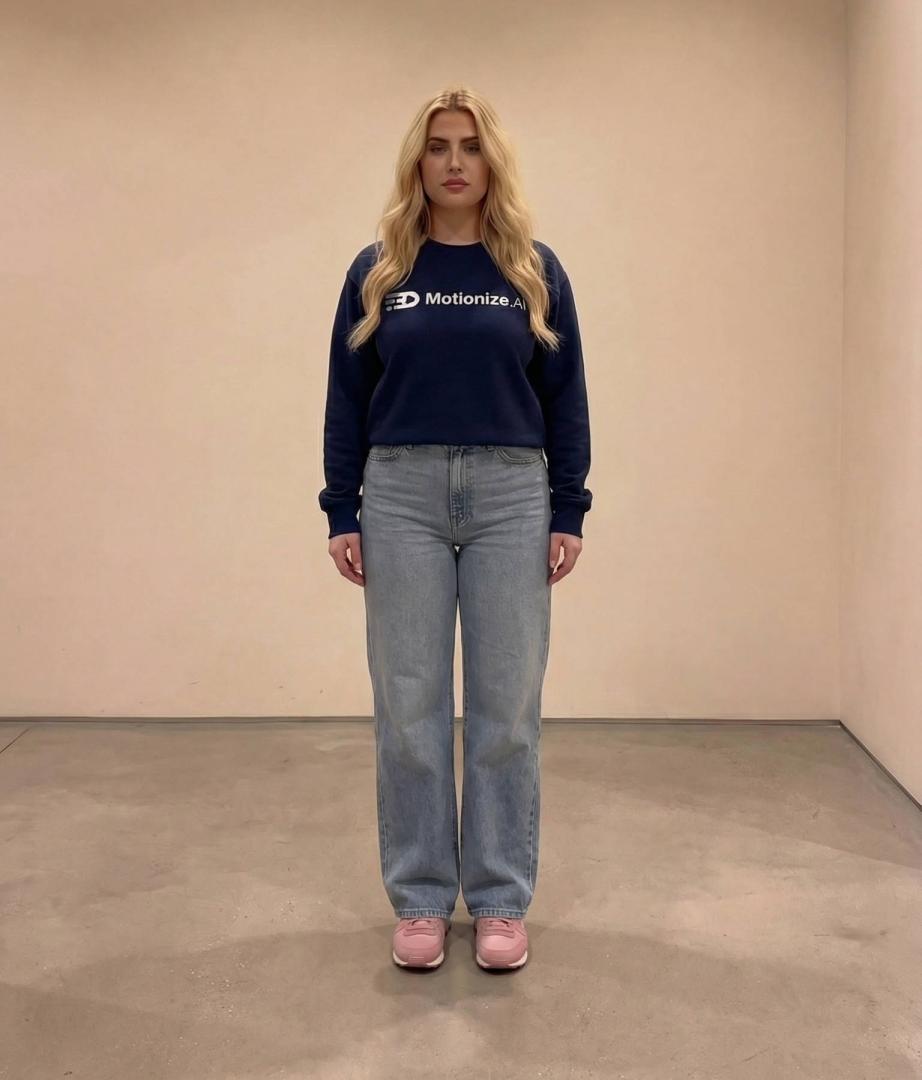
- A movie set environment (e.g. Lord of The Rings)
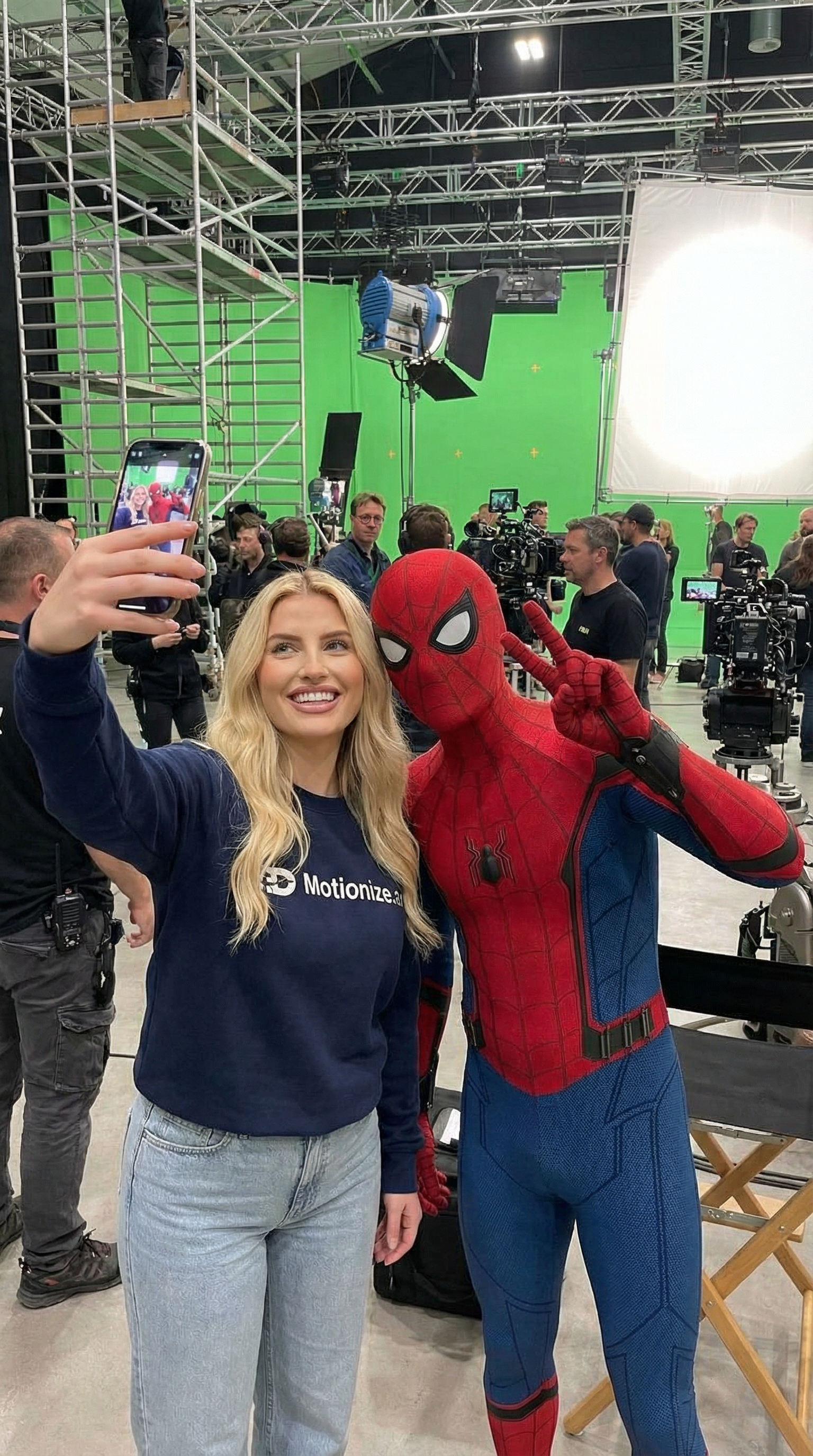
she is talking a selfie with spiderman behind the scenes of a movie scene
You can copy and adapt this prompt:
He/she is talking a selfie with [insert person] behind the scenes of a [insert movie scene here]
Once generated, pick the image that looks the most natural, realism matters more than perfection here.
Step 2: Turn the Image Into a Selfie Video
Now go to Motionize.ai’s Image-to-Video tool.
Upload the image you just created and keep the motion subtle. The goal is to simulate someone casually filming themselves between takes.
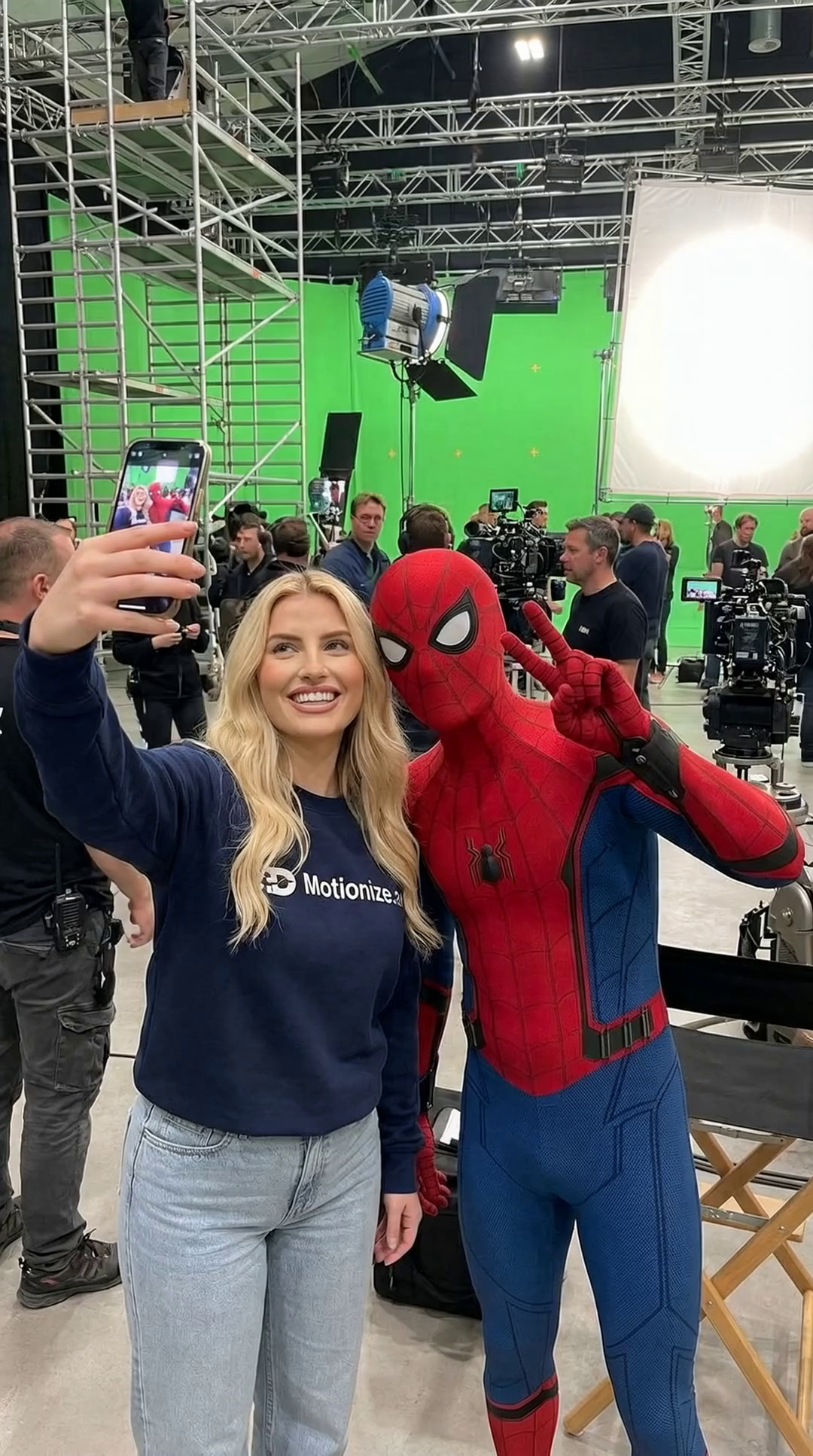
they pose for a selfie
Use a simple motion prompt like:
They pose for a selfie
This creates a short cinematic clip that feels authentic and believable.
Step 3: Keep It Short and Natural
Behind-the-scenes selfie videos work best when they:
- Are short (5–8 seconds)
- Have minimal motion
- Feel unscripted
Avoid dramatic camera moves or exaggerated animation. Small movements sell the realism.
Why This Format Works
Behind-the-scenes selfie videos perform extremely well because they:
- Feel exclusive and real
- Look like leaked or private footage
- Instantly communicate context
- Increase watch time on social platforms