
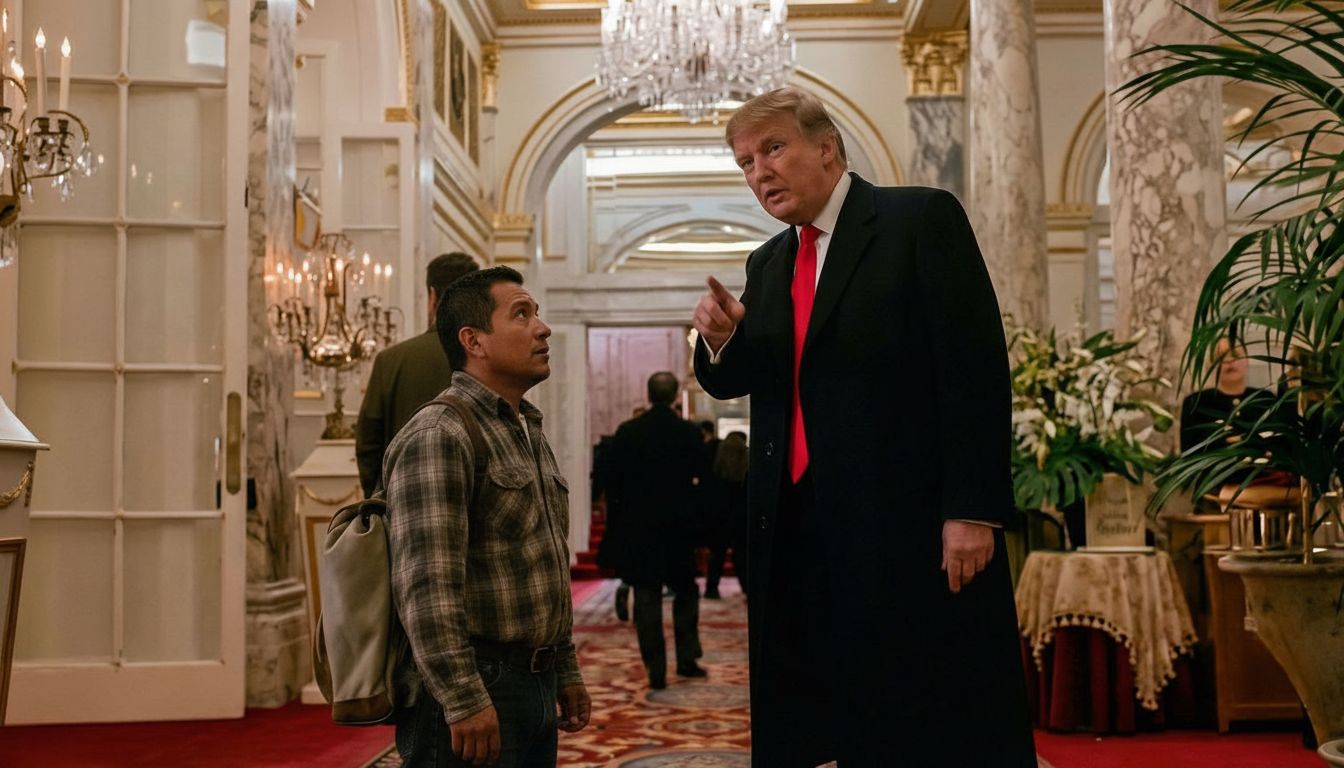
Ever wondered how to take a classic movie scene and completely reimagine it for the modern age? You can easily recreate viral edits using Motionize.ai.
Here is the exact step-by-step workflow to make it happen.
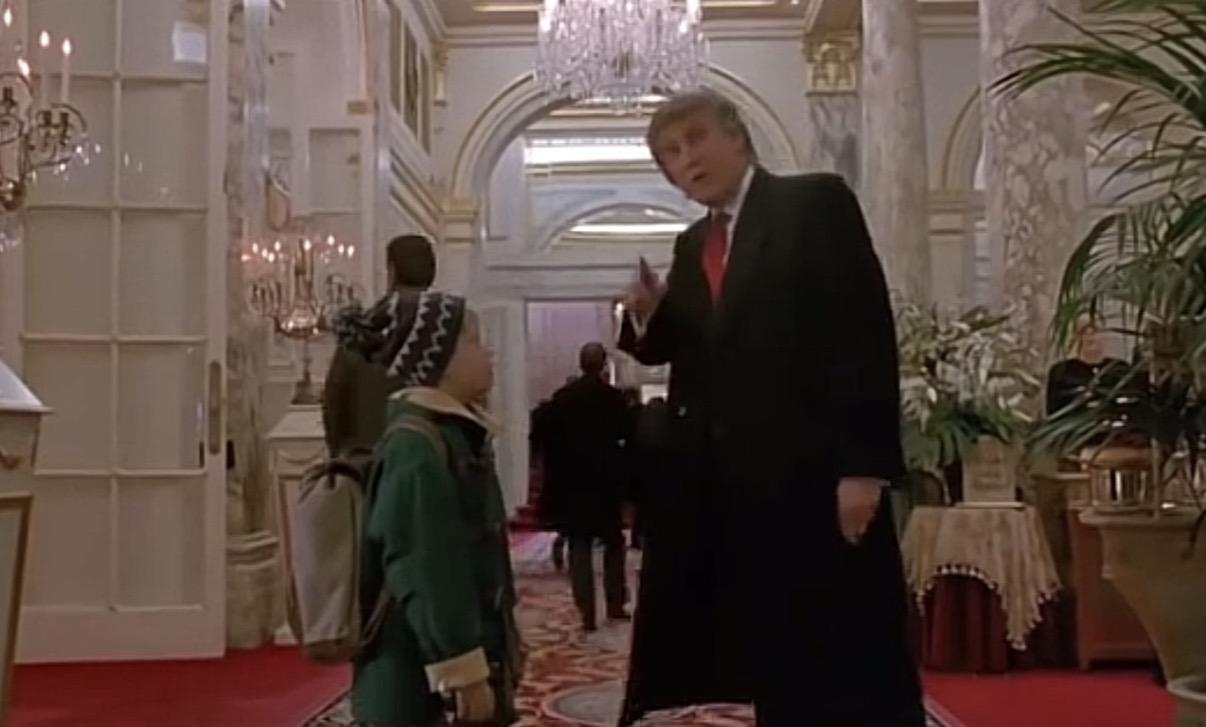
Step 1: Get the Source Material
Every great edit starts with a strong foundation. Start by grabbing a screenshot from the movie. This serves as the base layer for the generative AI to work its magic.
Step 2: Edit with Motionize.ai
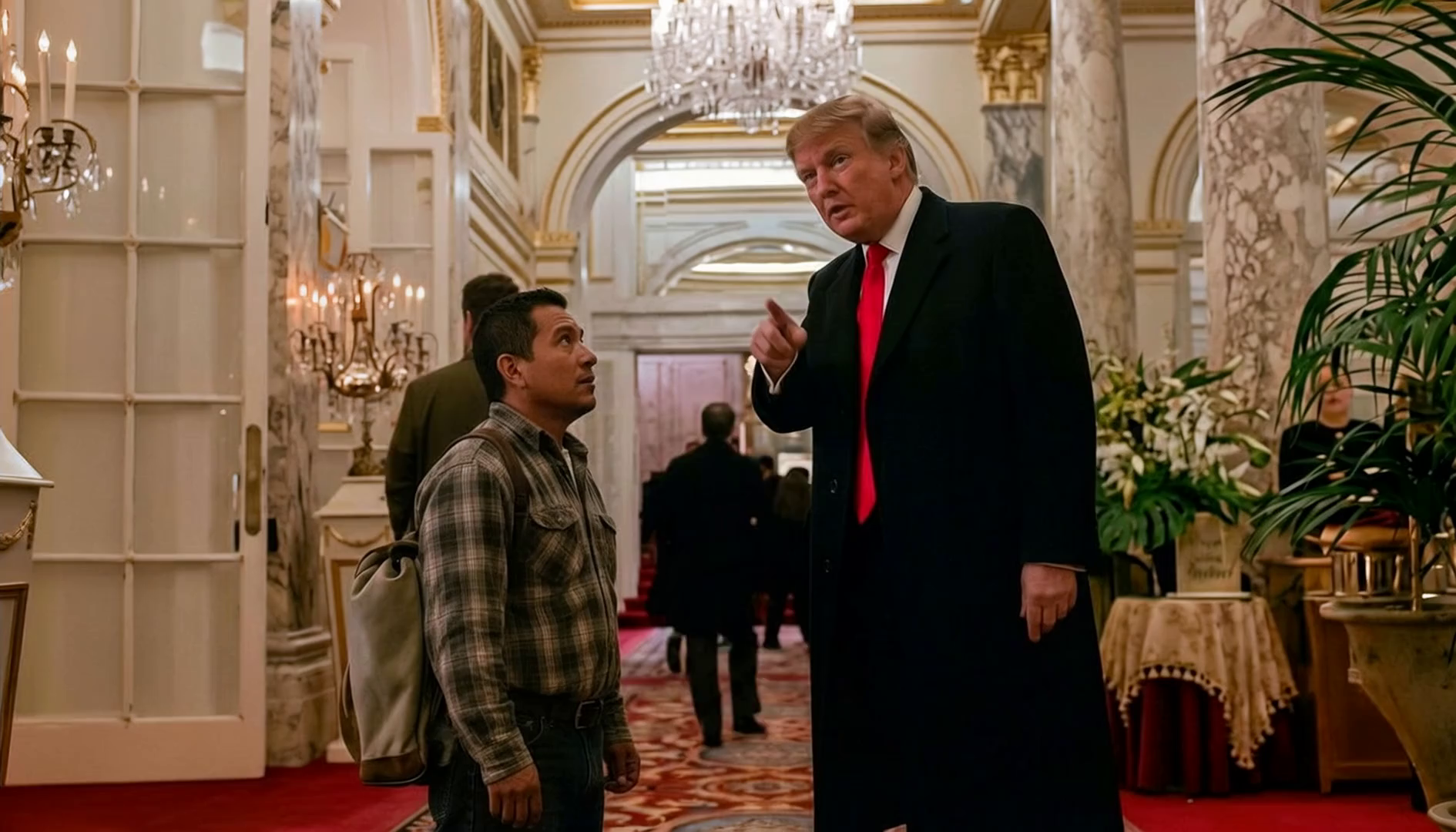
Once you have your screenshot, use the image editor on Motionize.ai. This is where the heavy lifting happens. You have two main goals here: update the visual fidelity and swap out specific characters.
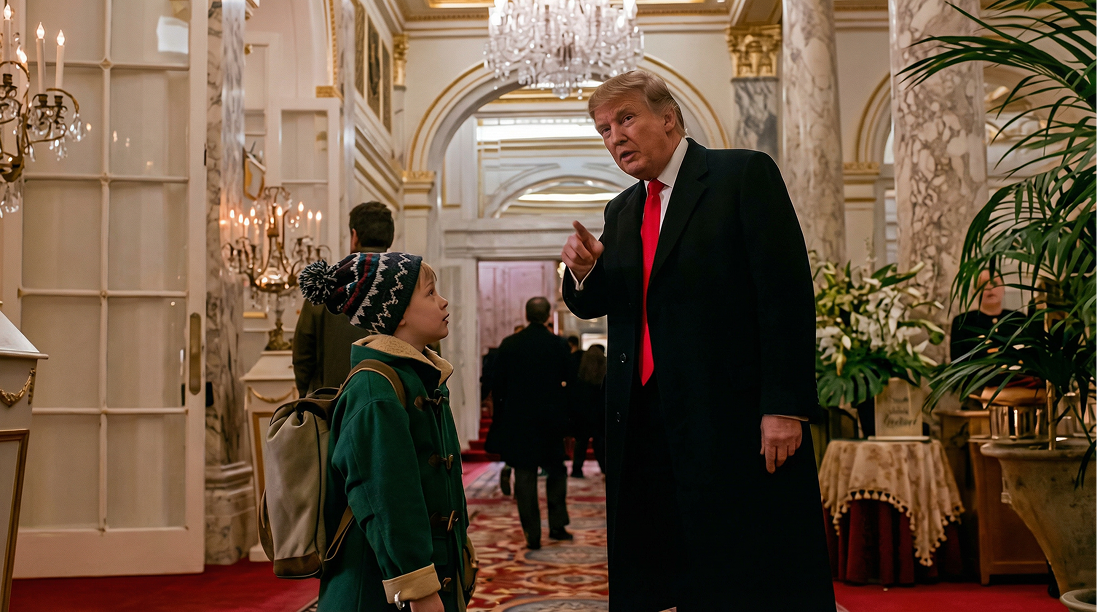
1. Enhance the Quality & Swap Characters
First, give the image a high-definition, cinematic look while replacing the character of Donald Trump. To achieve this crisp look, use the following prompt:
"Enhance the image quality like it’s from a modern movie."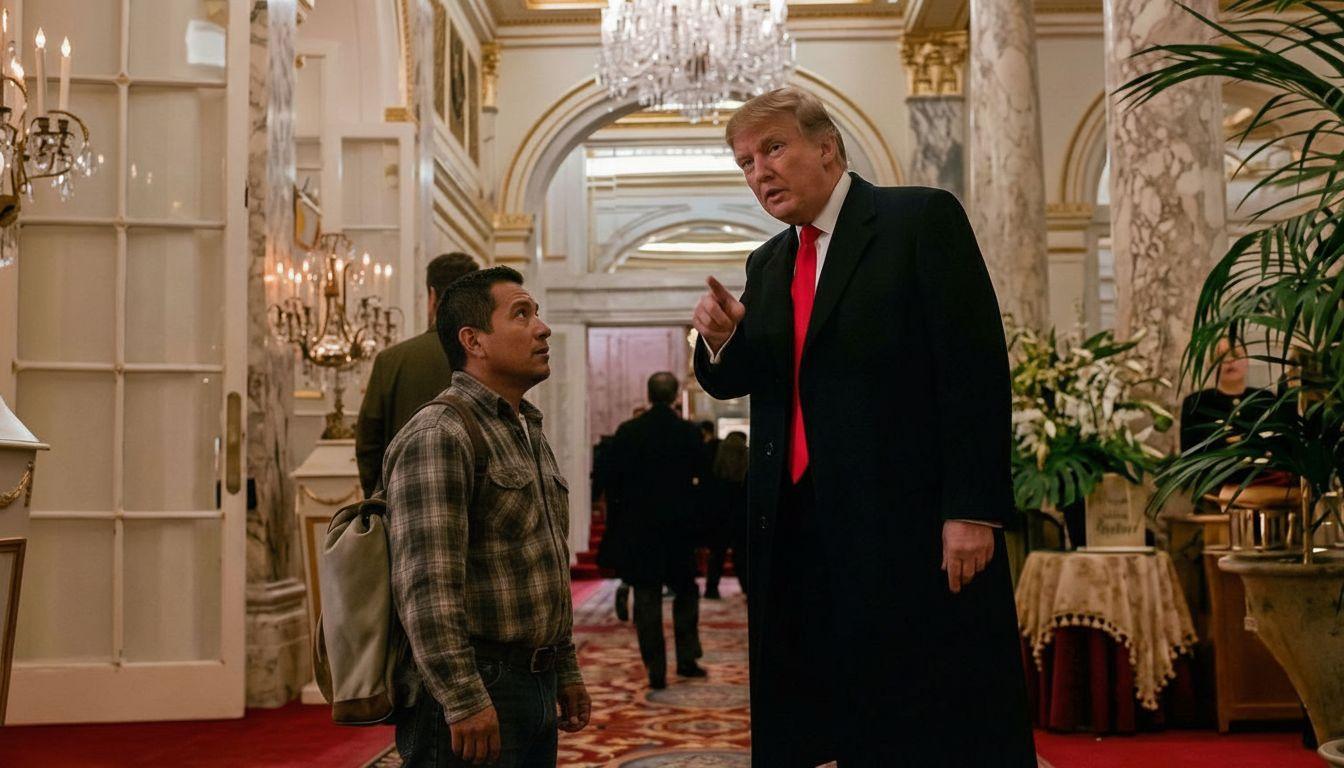
2. Character Replacement
Next, change the narrative dynamic by replacing the child in the scene. Identify the subject by their clothing and specify the new character details:
"Replace the kid in the green jacket with a Mexican man."Step 3: Generate the Voice
Now, give the video a voice. Use the Text to Speech tool to generate the audio dialogue.
Select the "Trump" voice model to match the visual character you enhanced in the previous step and generate your script.
Step 4: Bring it to Life
With the static image edited and the audio ready, it is time to make it move. Go to the Image-to-Video tool.
Generate the video directly from your modified image. A pro-tip: if you want to see exactly how the AI is interpreting your request, click the recreate button to reveal the underlying prompt generated by the system.
A group of ICE police officers wearing black tactical vests with bold white “POLICE ICE” lettering run into the scene an...
And that’s it! Four simple steps to completely transform a scene. Go try Motionize.ai and see what you can create!