
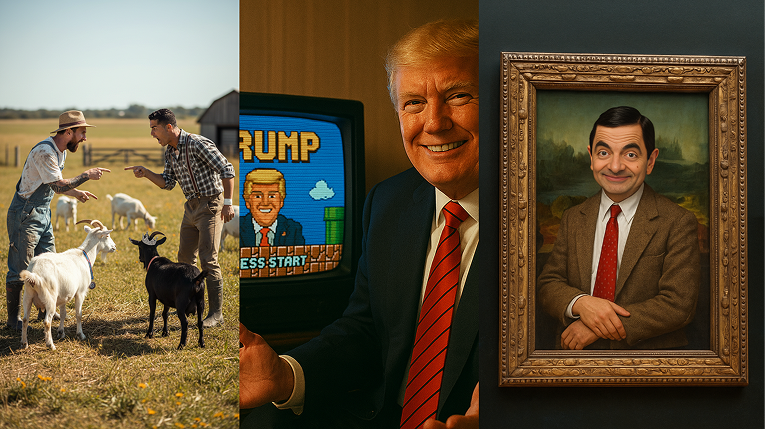
Creating AI-generated content featuring celebrities has become a viral trend across platforms like TikTok, YouTube, and Instagram. Whether you're building parody videos, meme content, or storytelling projects, the idea of cloning a celebrity’s likeness through AI is now technically possible, but legally and practically restricted on most major platforms.
Why Most AI Tools Block Celebrity Content
Major AI tools restrict the generation of content that includes celebrities, politicians, or public figures. These restrictions are primarily due to copyright laws, privacy regulations, and internal company policies.
Common Error Messages You’ll Encounter
🔒 Google Gemini (formerly Bard)
"I can help with editing images of people, but I can't edit some public figures. Is there anyone else you'd like to try?"
🔒 DALL·E (OpenAI / ChatGPT)
"I'm sorry, I can't generate images of real people, including celebrities."
🔒 MidJourney
"The prompt contains restricted words. Please try again."
🔒 Sora 2 by OpenAI
While Sora 2 offers some visual generation capabilities, it limits any requests tied to real celebrities unless you're using approved avatar-style cameo features. Direct prompts with celebrity names are usually blocked or sanitized.
So, how do creators actually generate AI videos, images, or voices with celebrity likenesses?
🎥 How to Generate AI Videos with Celebrities
There are several approaches to creating AI-generated videos of celebrities. Some tools block likenesses directly, while others offer more flexibility through image input or avatar customization.
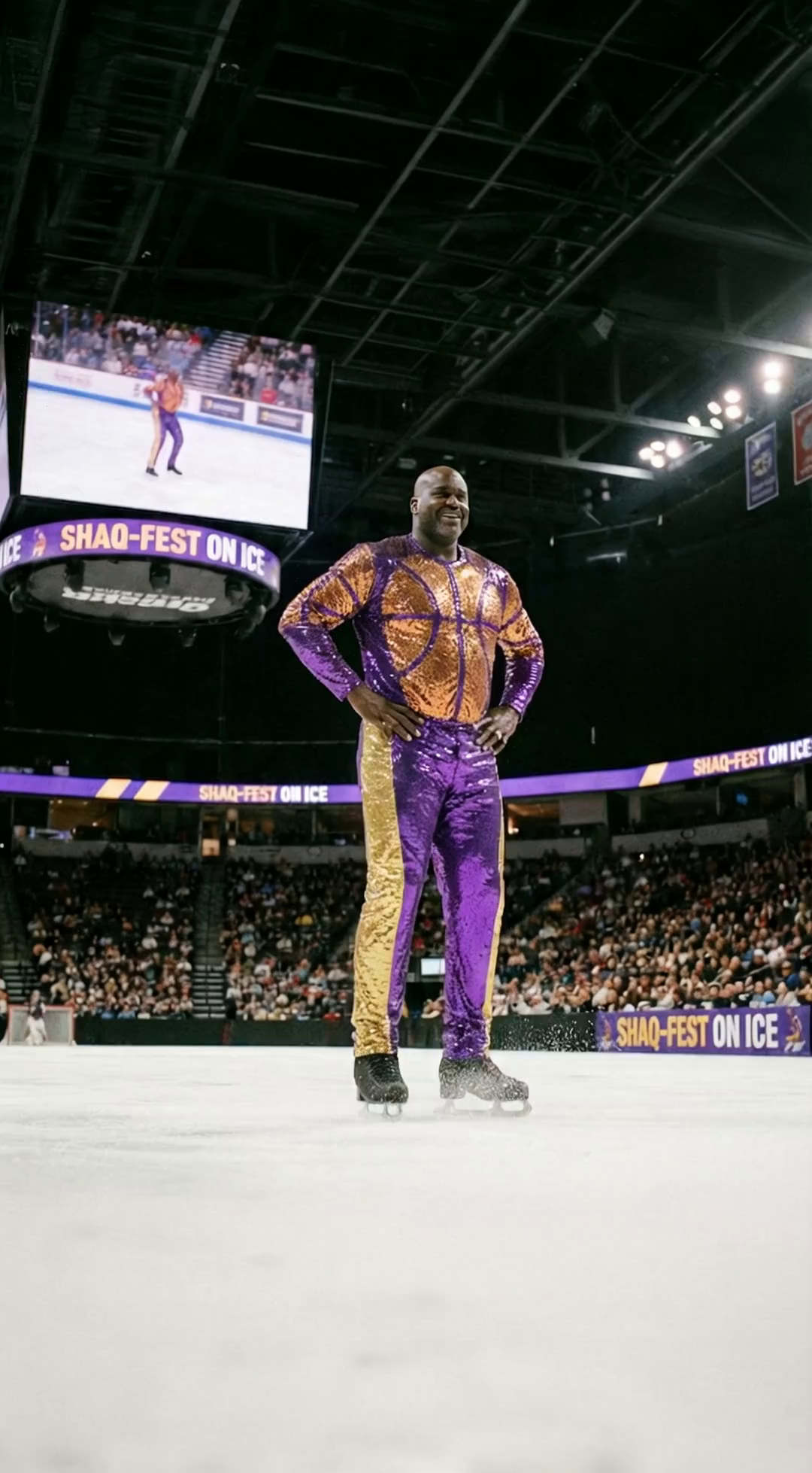
He performs an figure skating routine. Cinematic lighting, spotlights following him, ice shavings flying, high resolutio...
1. Motionize: Generate Celebrity Videos from Images
Motionize's Image to Video Tool lets you upload any image, celebrity-style or lookalike. It uses locally hosted models and generators that are more uncensored than the well-known tools.
Recommended workflow:
- First, generate a celebrity-style image using:
- Then, use it in the Image to Video Generator
2. Swap Celebrities Into Existing Videos
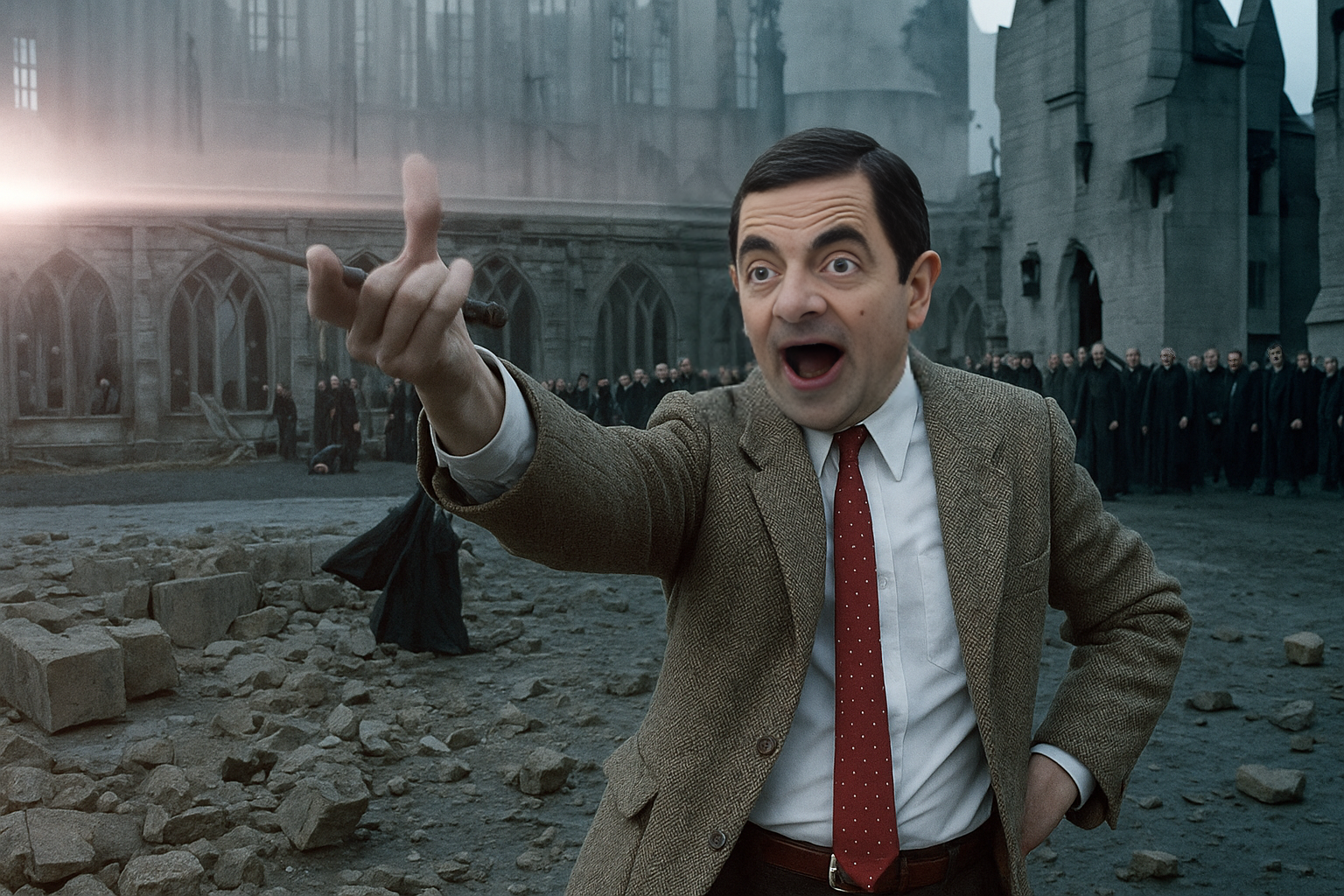
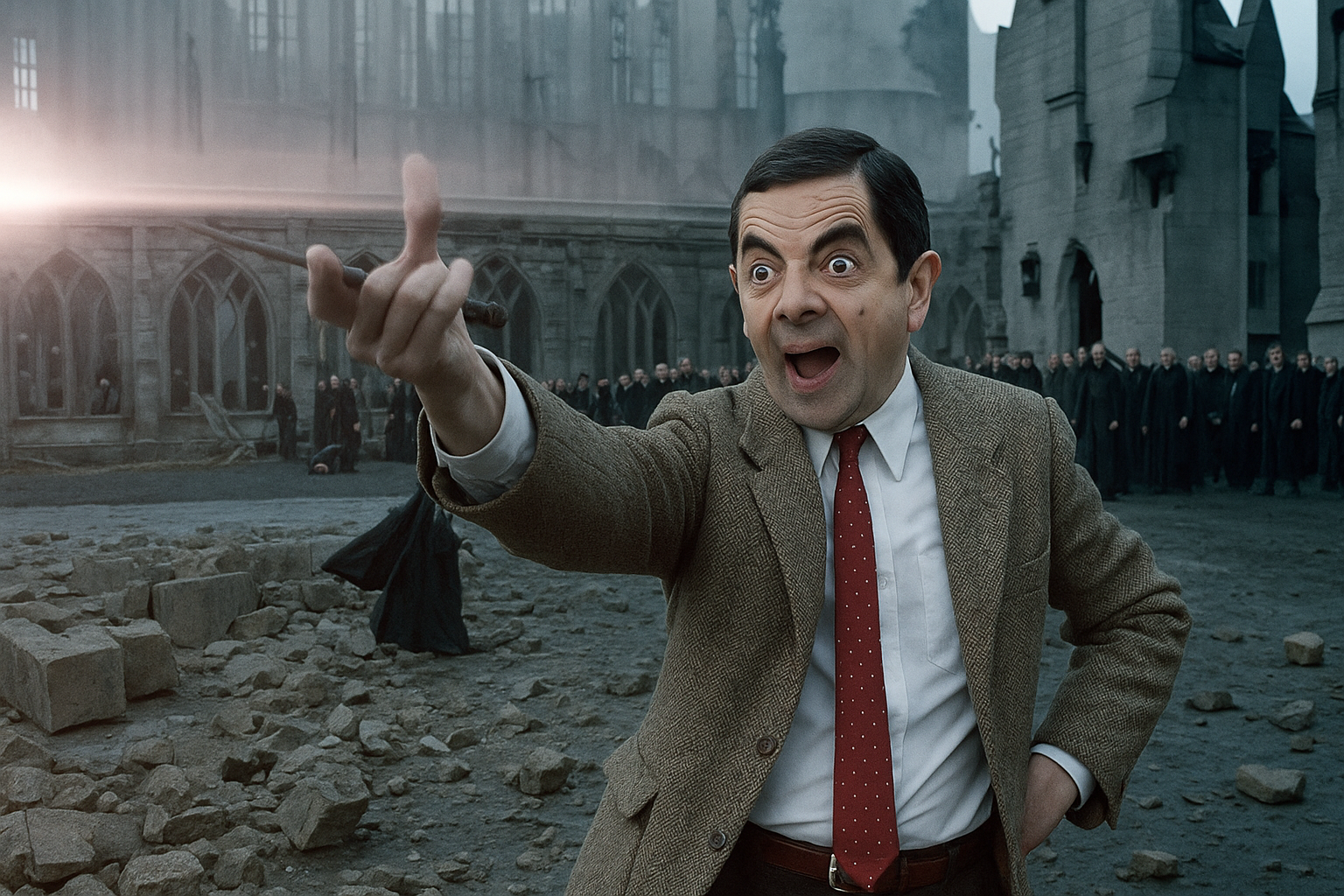
You can use the Motionize Swap Tool to replace faces, heads, or even full bodies in existing image with a celebrity lookalike. This is a powerful option for transforming content with minimal setup.
Upload your image, select the face or body to swap, and choose your replacement. It works with AI-generated or real celebrity-style faces.
3. Other Options
- Runway ML: Offers AI video editing but blocks celebrity likeness requests.
- Sora (OpenAI): Advanced video model, but public access is limited and celebrity content is restricted.
- DeepFaceLab or DeepSwap: Used for deepfakes, often requires local setup and ethical/legal caution.
🖼️ How to Generate Celebrity AI Images
Creating celebrity-style images is a foundational step for generating videos. Some tools restrict celebrity likenesses, but others allow more flexibility when prompts are modified creatively.
1. Motionize Tools
- Text to Image: Describe the look you want, using phrases like “actress who looks like Scarlett Johansson”.
- Image to Image: Upload an image and transform it into different styles or facial expressions or place celebrities in the scene.
- Image Editor: Make changes to existing photos (swap faces, change eyes, hair, backgrounds, add famous people, etc.)
Once you have your final image, you can animate it using Image to Video.
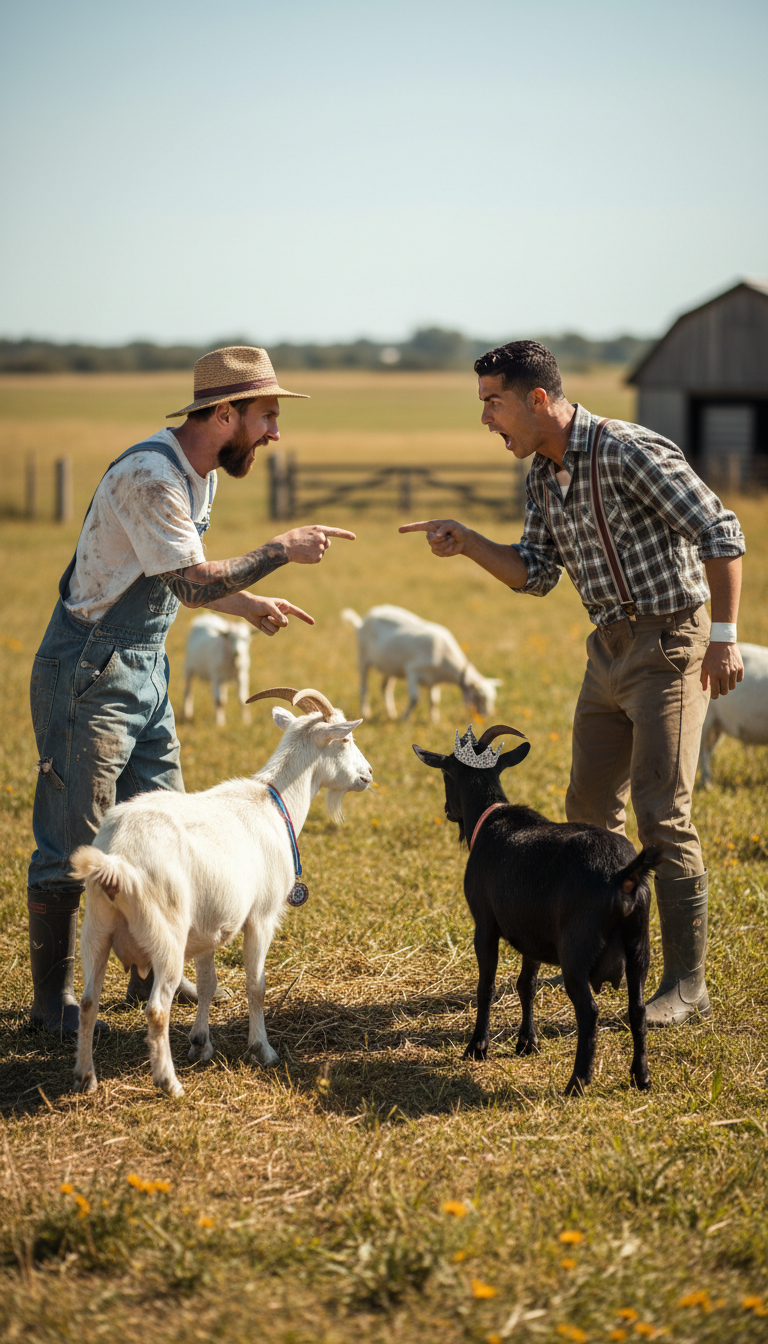
Messi and Ronaldo in farmer outfits arguing over which actual goat is the best.
2. Other AI Image Tools
- MidJourney: Beautiful image generation, but blocks celebrity names. Workaround: use descriptive prompts like “50-year-old male actor in a tuxedo.”
- DALL·E (OpenAI): Strict on celebrity likeness. You can try “celebrity lookalike” prompts, but quality varies.
- DreamBooth: Custom-train a model to replicate a specific person’s features (requires setup and technical know-how).
🗣️ How to Generate Celebrity AI Voices
Voice is one of the most challenging aspects of celebrity AI generation due to growing ethical concerns and legal restrictions.
1. ElevenLabs
ElevenLabs allows voice cloning using uploaded voice samples. However, its platform flags and may block voice profiles that resemble celebrities.
"This voice profile may violate our acceptable use policy."
To work around this, users often train voice profiles using non-celebrity samples with similar tone and pitch.
2. Motionize.ai
Another tool for cloning or mimicking celebrity-style voices. It offers a huge database of famous voices (like Trump, Eric Cartman, Elon Musk, Vin Diesel, The Rock, etc.) and allows custom voice cloning with user-uploaded data.
3. DIY Options
- Voice Changer Tools: Tools like Voicemod or iMyFone MagicMic allow real-time voice effects, including celebrity-style tones.
- Speech-to-Speech AI: Tools like Descript Overdub let you dub your own voice to sound like another (non-celebrity) character.
⚖️ Legal and Ethical Considerations
Using celebrity likenesses in AI-generated content is a legally sensitive topic. Different countries have different "right of publicity" laws, which prevent unauthorized commercial use of someone's identity.
Best Practices
- Use for parody, satire, education, or personal projects
- Clearly label AI-generated content as fictional
- Do not use for monetized or commercial endorsement without rights or licenses
🏁 Conclusion: A Responsible Way to Create Celebrity AI Content
Most major AI platforms block the use of celebrity names or images but with the right workflow, you can still create ethical, high-quality content for parody, storytelling, or experimentation.
Use Motionize's tools to generate images first, then transform them into videos:
Then turn your image into a video with:
This gives you a clean, flexible, and scalable way to create AI celebrity content without facing the strict limitations of traditional platforms.
❓ Frequently Asked Questions
Can I use AI to make a video of a celebrity?
Yes, by first generating a celebrity-style image and then using it with Motionize’s Image-to-Video tool.
Why do tools like Gemini or MidJourney block celebrity names?
They follow strict internal and legal policies to avoid impersonation or misuse.
Is it legal to use a celebrity’s face in AI?
Parody and non-commercial use are safer. Commercial use without rights can be risky.
What’s the best AI tool for celebrity video creation?
Motionize.ai, using the Image → Video workflow.