
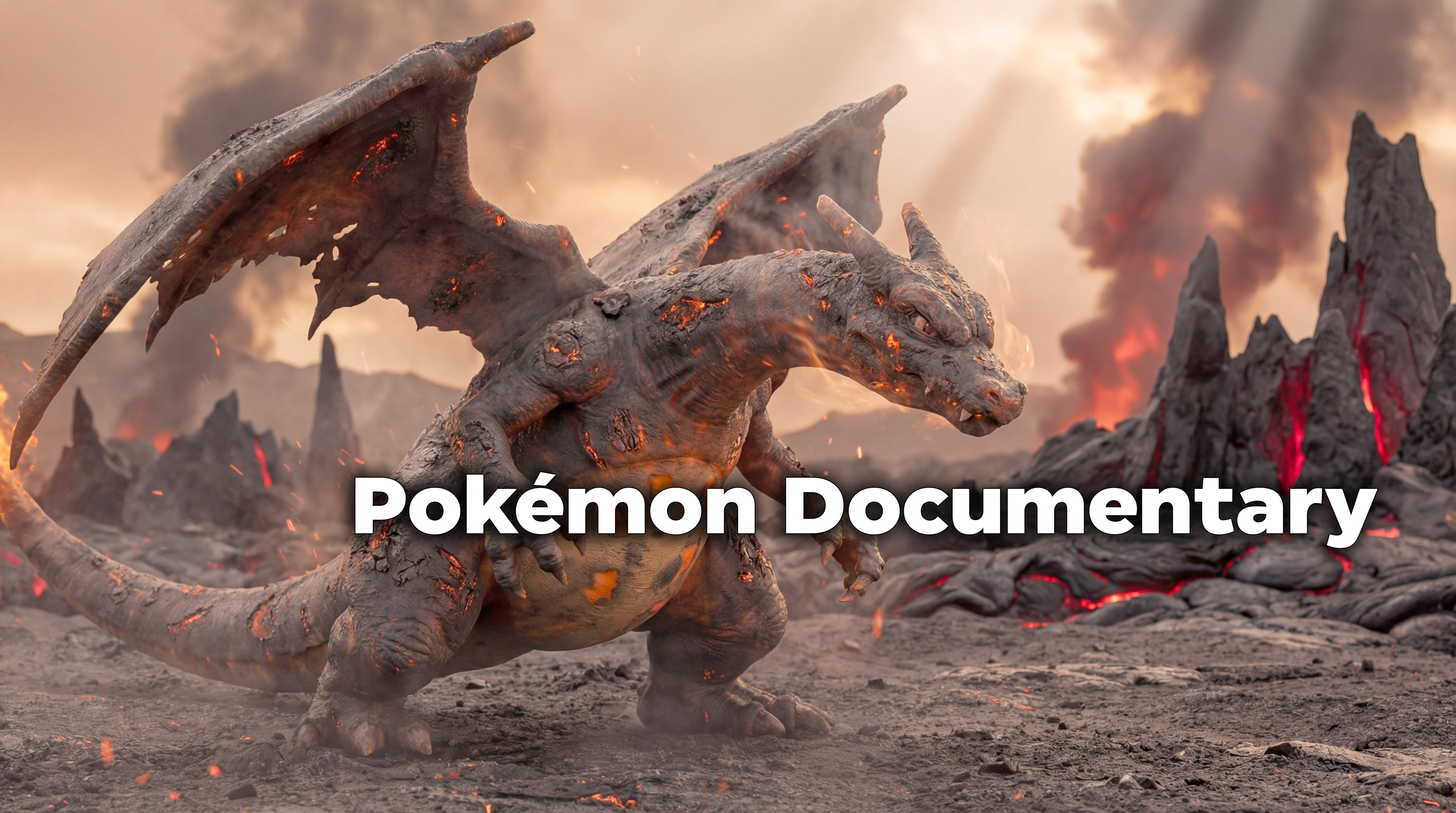
🎬 How to Create a Cinematic AI Pokémon Documentary Video with Motionize.ai
In this guide, you’ll learn how to create a cinematic nature-documentary style AI video like the video above using Motionize.ai, combining:
Perfect for storytelling reels, AI Pokémon documentaries, cinematic shorts, and viral content.
Step 1: Create the Key Visual with Text to Image
Start by generating a high-quality cinematic image that will act as the foundation of your video.
Use the Text to Image tool on Motionize.AI and choose the Pokémon Documentary Style
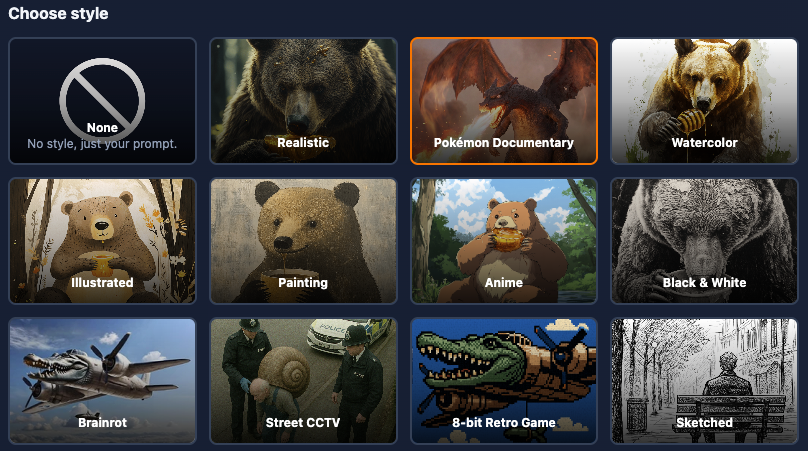
For best results, be sure to use the QUALITY method. (Pro accounts only)
💡 Tips:
You can easily adjust the scene by entering a prompt along with the Style, using Motionize’s Image Editor:
- Insert the Pokémon (e.g. Pikachu) you want into your prompt.
- Change the environment
- Adjust lighting, time of day, or mood
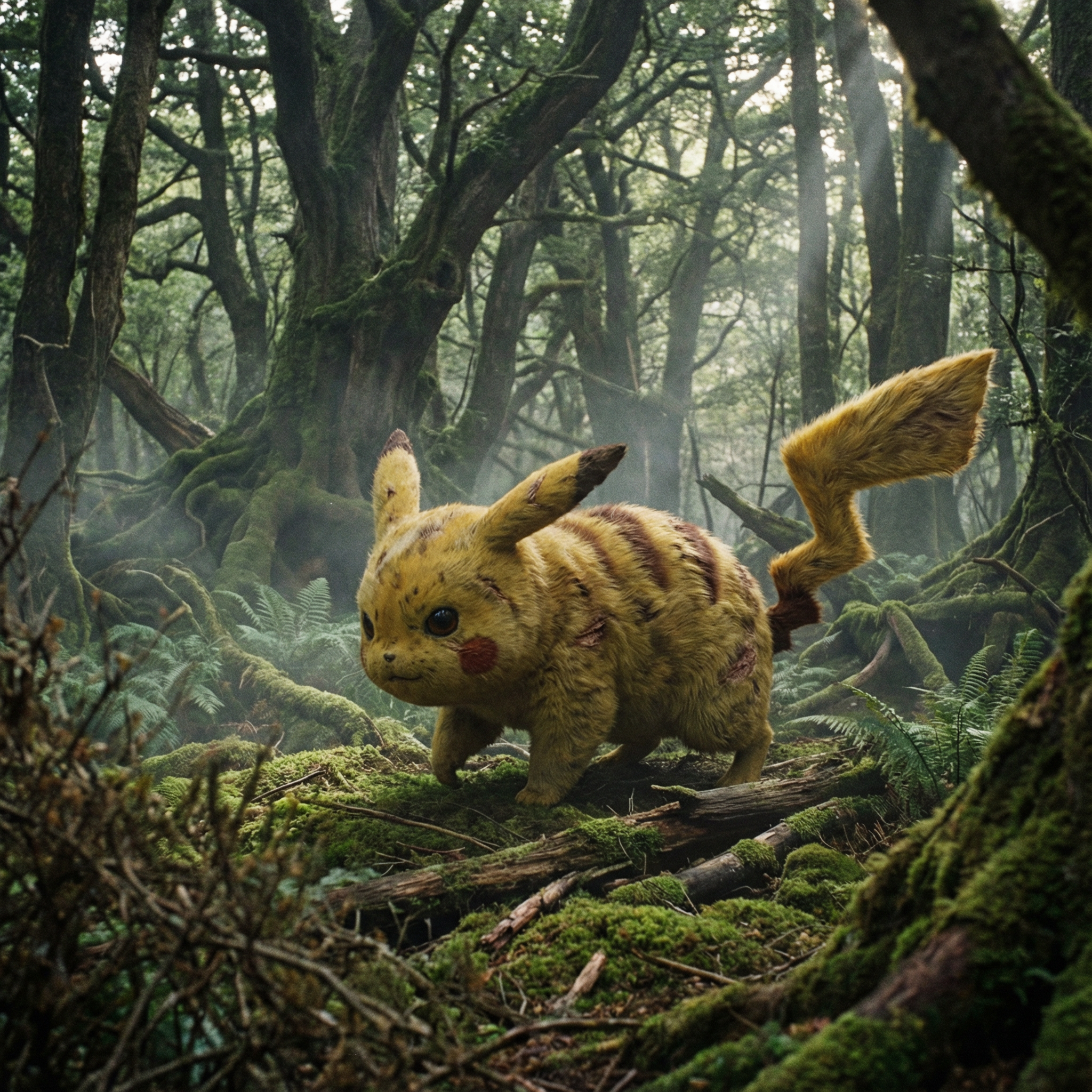
The Pokemon Pikachu is walking in a forest
Step 2: Turn Your Image into a Cinematic Video (Image to Video)
Once you’ve generated your image, bring it to life using Image to Video.
How it works:
📤 Upload your AI-generated image
💬 Enter your prompt
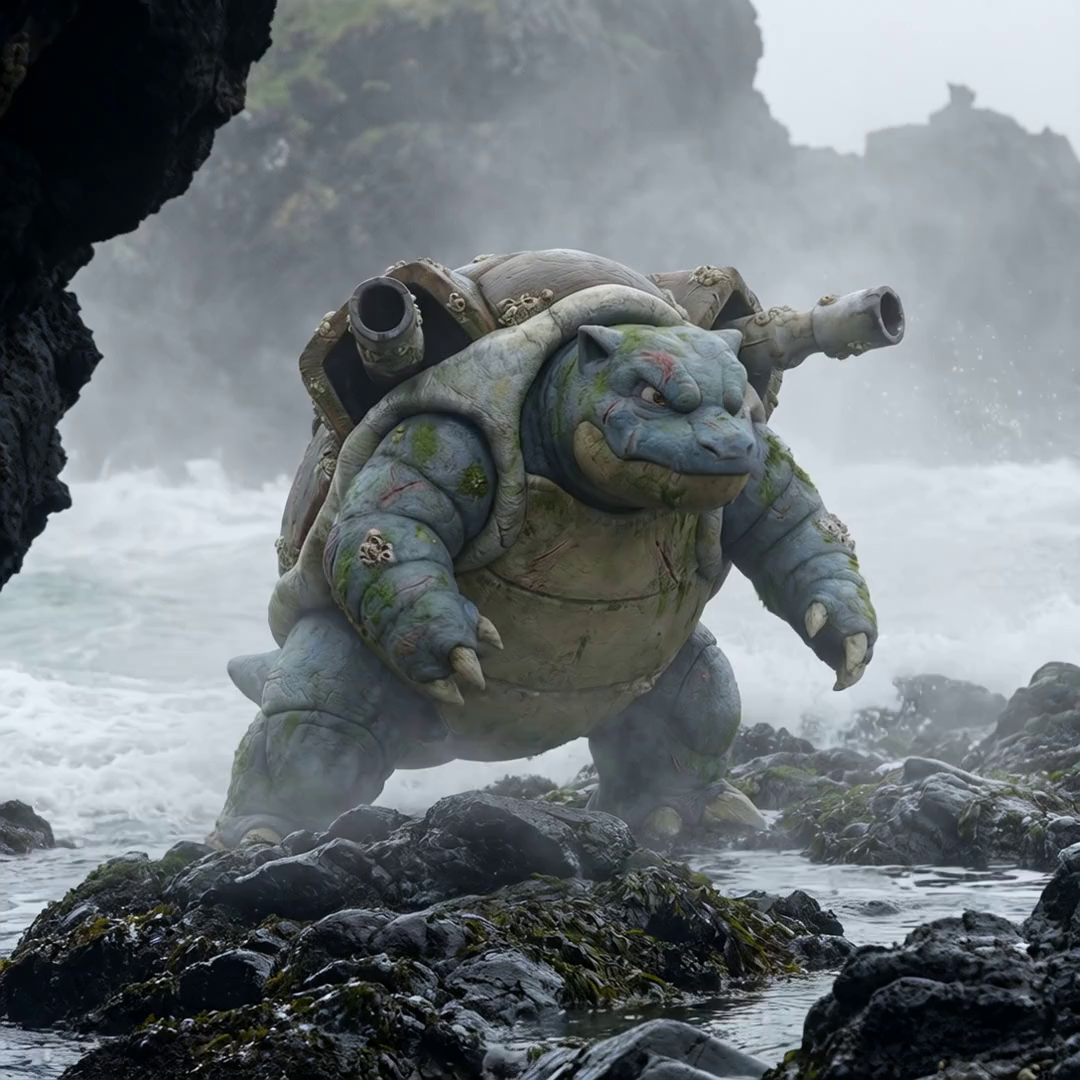
the creature walks around slowly
Recommended extras for the prompt:
- Slow, documentary-style camera motion
- Subtle environmental movement (smoke, dust, embers, wind)
- Calm pacing (avoid fast action unless intentional)
Step 3: Add Documentary Narration with Text to Speech
Now bring the scene together with AI narration.
Choose a voice your prefer, we recommend David Attenborough for documentaries.

Example narration (ready to use):
Here, we observe the creature moving through its natural domain. Every movement is deliberate, shaped by the environment it has mastered over time. In this harsh world, survival is not about speed, but balance.
💡 Best results come from slower pacing and neutral tone, similar to classic nature documentaries. So be sure to use proper Punctuation!
Optional Step: Build a Full Mini-Documentary
Repeat the process to create multiple short scenes:
- Flying
- Walking
- Hunting
- Resting
Then stitch them together using a tool such as Dinvci Resolve or Capcut for a 30–60 second cinematic documentary short.
Perfect For:
- AI documentary videos
- Cinematic storytelling reels
- TikTok & Instagram content
- YouTube Shorts
- Creative AI portfolios
🚀 Create your cinematic AI documentary with Motionize.ai
Use Text to Image → Image to Video → Text to Speech and turn a single idea into a full visual story.